Case Study
StageFlow
See what a deployment changed across accessibility, performance, SEO, links and security headers.
In 30 seconds
A frontend quality tool I build and operate. Five kinds of checks produce one report, with page evidence and saved baselines to show what changed between deployments. Developers can scan public URLs or local builds and use the results in a release check.
Accessibility, performance, SEO, links and security headers appear in one report, with filters and page evidence for reviewing the work.
Independent · Solo · live · 2026-05 to Ongoing · live product · private source
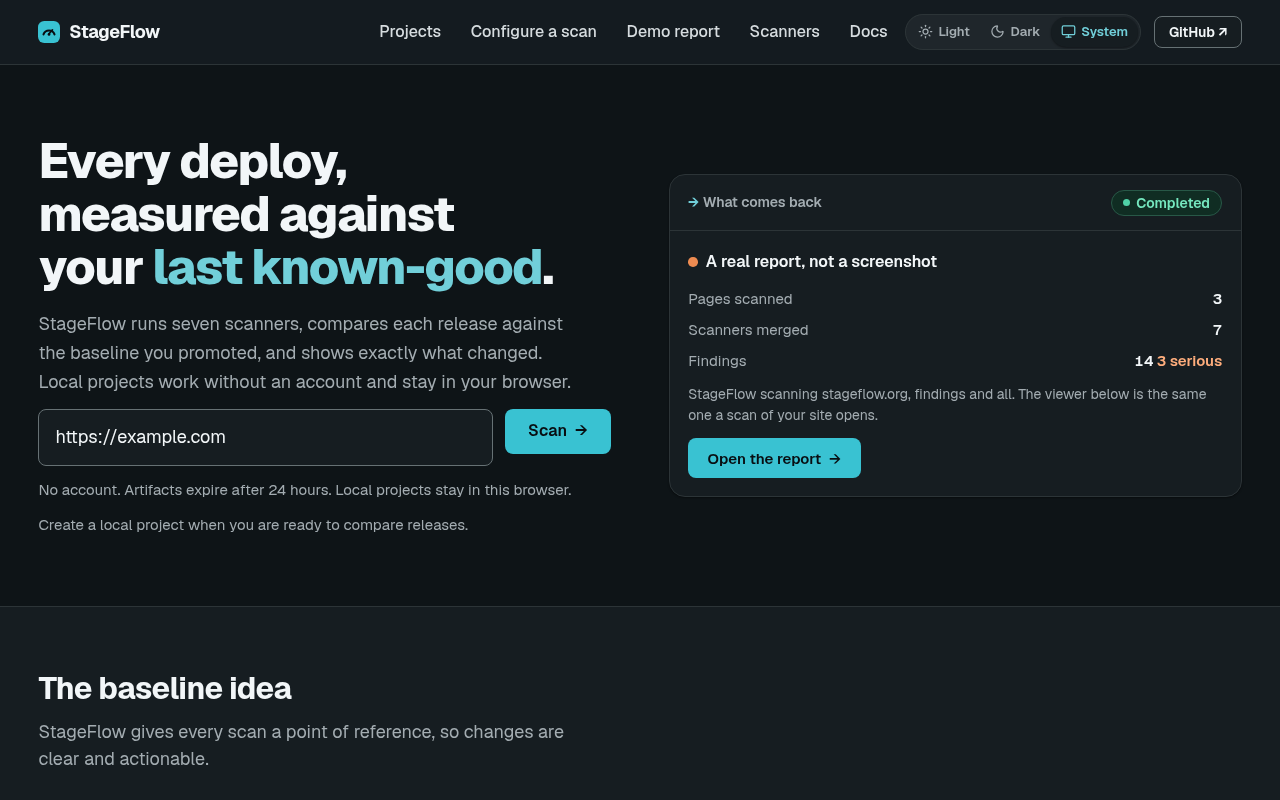
A frontend team can run an accessibility checker, a performance audit and a link checker, then spend the rest of the afternoon working out which results matter. On the next deployment, they have to ask another question: which problems are new?
I built StageFlow to make that review easier. It runs five kinds of checks—accessibility, performance, SEO, links and security headers—and brings the findings into one report. A saved baseline lets a developer compare the next scan against a version they have already accepted.
I build and operate the product alone. The hosted site lets someone scan a public URL without creating a StageFlow account. Developers can also scan a local build before publishing it or use the command-line tool in an automated release check.
Give the report some memory
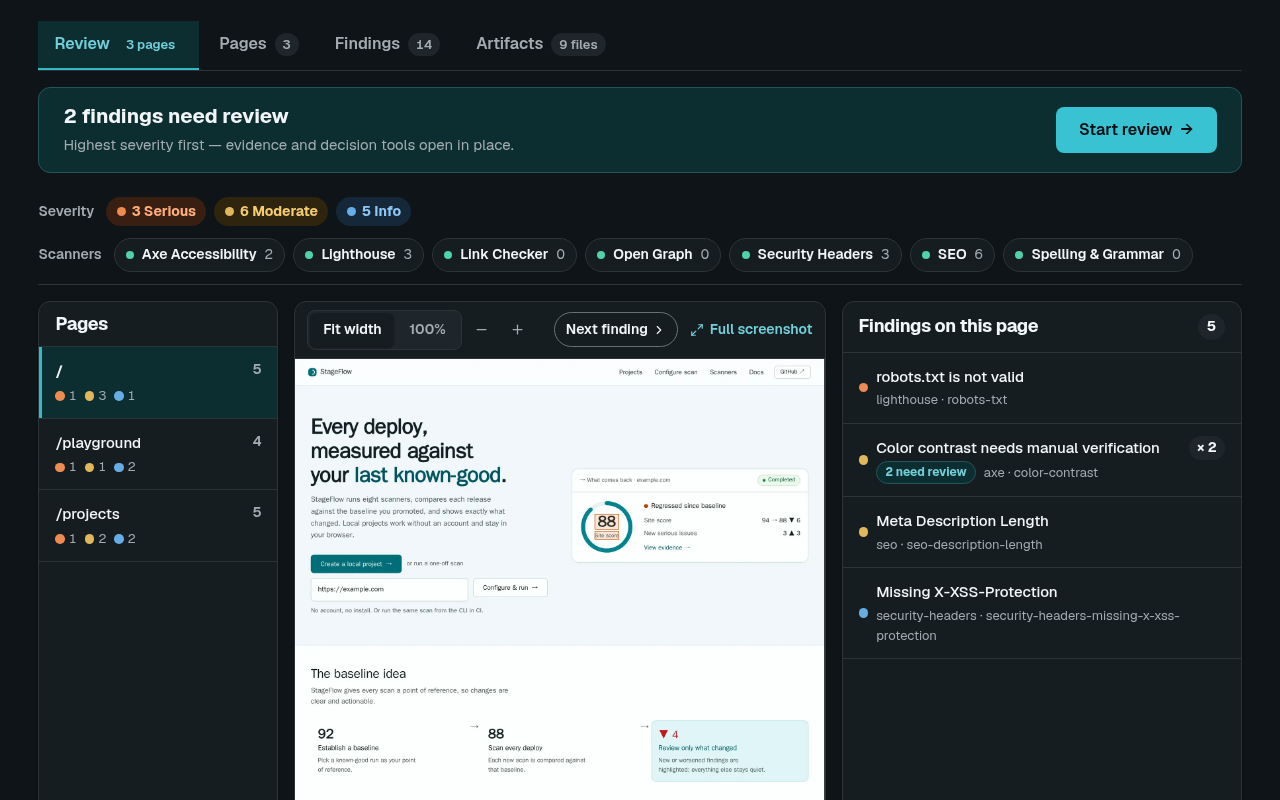
A list of twenty issues means little without context. Some may be known limitations, and some may have appeared in the change you are about to ship. I added baseline comparison so a team can focus on that difference instead of treating every scan as a fresh audit.
The developer explicitly chooses a baseline. In the browser, projects and accepted runs stay in local browser storage. For automated checks, saved report files can live alongside the build artifacts. I chose these routes because they support comparison without requiring an account or a server-managed project history. The tradeoff is clear: browser history does not sync between devices and disappears if site data is cleared.
I verify the comparison with two small sample sites containing deliberate changes. The regression check identifies three new findings, one fixed finding and two unchanged findings, and returns a failing result when new issues are present. That is a concrete demonstration of the release-check workflow, rather than a claim that a score alone can determine whether a site is ready.
Make a finding actionable
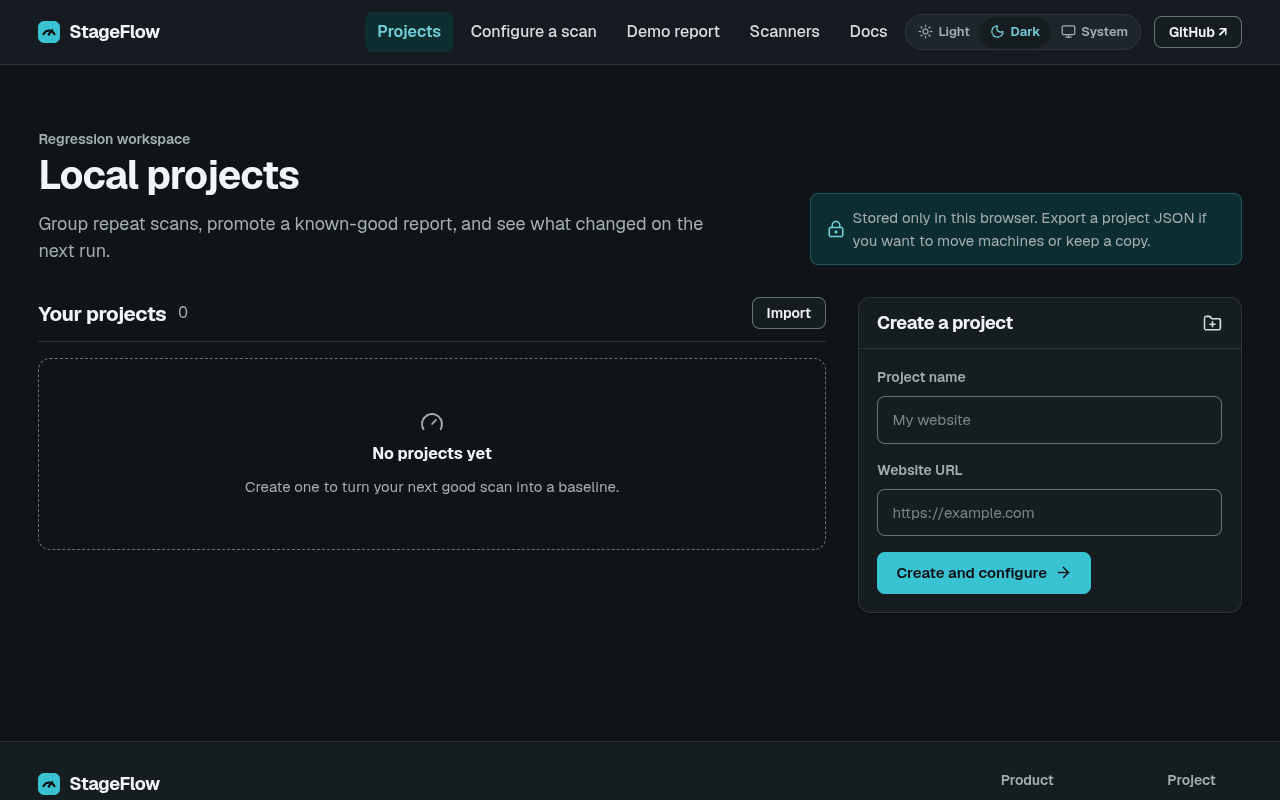
I wanted a developer to get from a result to the affected page quickly. The report groups repeated findings and shows screenshot evidence where the scanner can locate the element. Filters help narrow the review by severity, page or type of check.
Manual checks remain separate from detected issues. A tool asking a person to confirm something is not the same as a tool demonstrating a failure. Mixing those together made the report harder to trust and inflated the apparent amount of work.
I learned that lesson more broadly by scanning sites I run and reading the results. Protected links were being called broken, decorative images were being flagged incorrectly, and some checks inspected client-rendered pages before their content appeared. Fixing the scanners reduced the reported noise. It would be misleading to describe that reduction as an improvement to the sites themselves.
Finish with an honest result
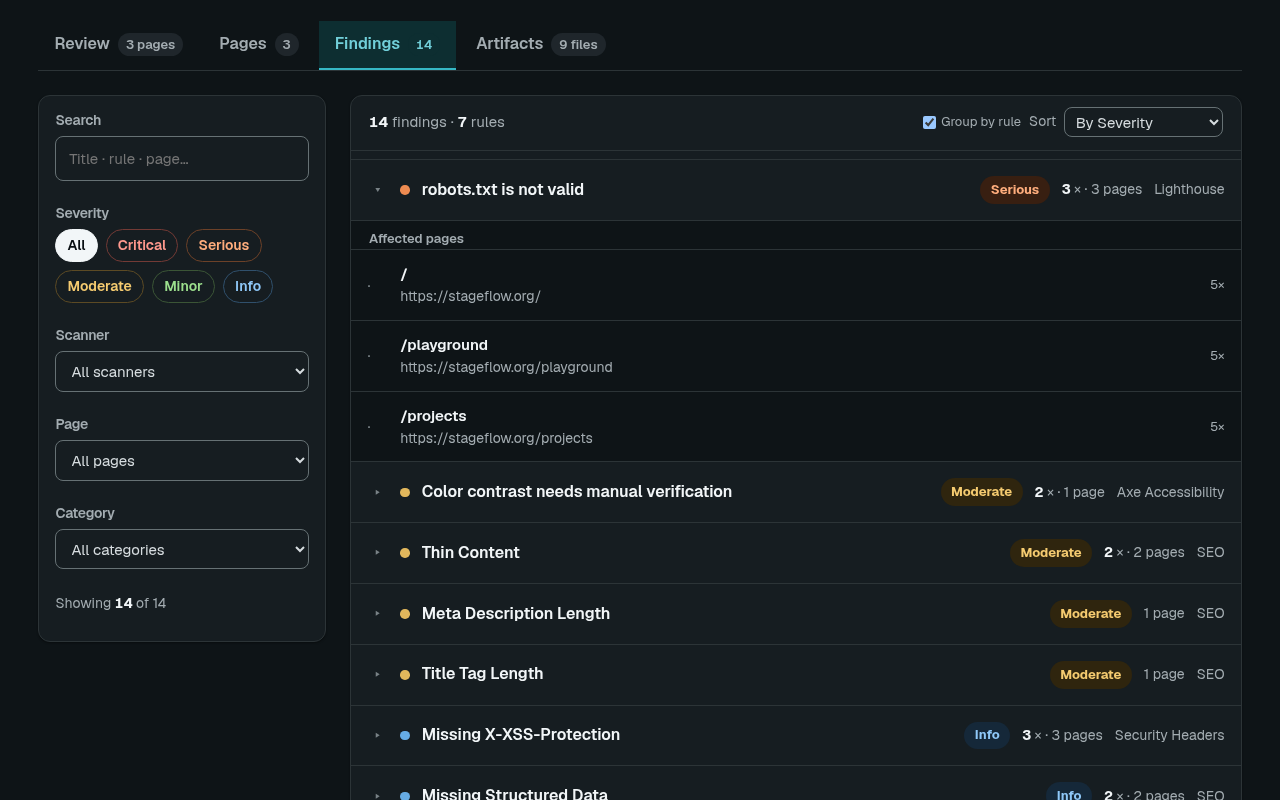
A scanner can fail while the others finish. I made partial results available with the failed check identified, so the user can still review the completed work. A stalled job also needs a clear failure instead of an indefinite “in progress” message.
An earlier production incident exposed that problem: the scanning process had started, but a lost response left the job waiting forever. I added recovery for work that had already started and deadlines for setup states. The consequence for the user is straightforward: a scan should produce a report or explain why it could not.
StageFlow is still a solo product. My current work is reducing its operational complexity and improving the signal in the report. I want the next deployment review to be a manageable set of decisions, with enough evidence for a developer to act.
Built with
Keep going
Let’s talk about the work.
If your team is working on a similar problem, I’d be happy to talk through the decisions and what I learned.